
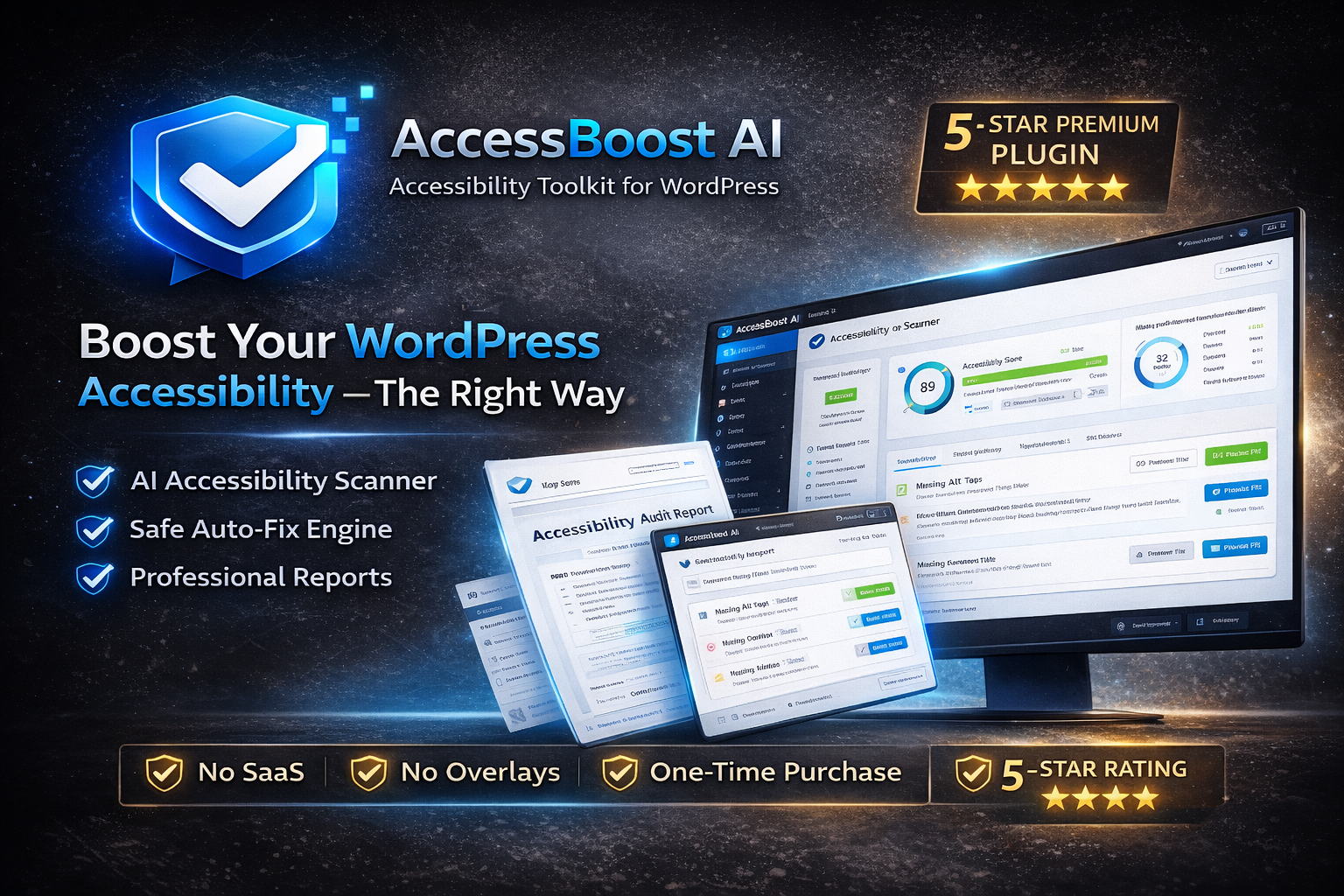
AccessBoost AI – Accessibility Toolkit for WordPress
AccessBoost AI is a professional WordPress accessibility toolkit designed to help you scan pages, identify common accessibility issues, and apply controlled improvements using an inspector-style workflow. It is built for developers, agencies, businesses, WooCommerce stores, and site owners who want a clear, maintainable process.
- Inspector-based scanning with clear, actionable issue output
- Safe fix workflow (preview/apply) with undo-friendly history tracking
- Live Accessibility Inspector to review issues on-page while browsing
- Accessibility Helper Widget for visitor-friendly reading tools (optional)
- Smart Content Optimization inside the editor (draft-safe quick scan)
- Reports (PDF + Email) for documentation and sharing
- WooCommerce + Multisite ready
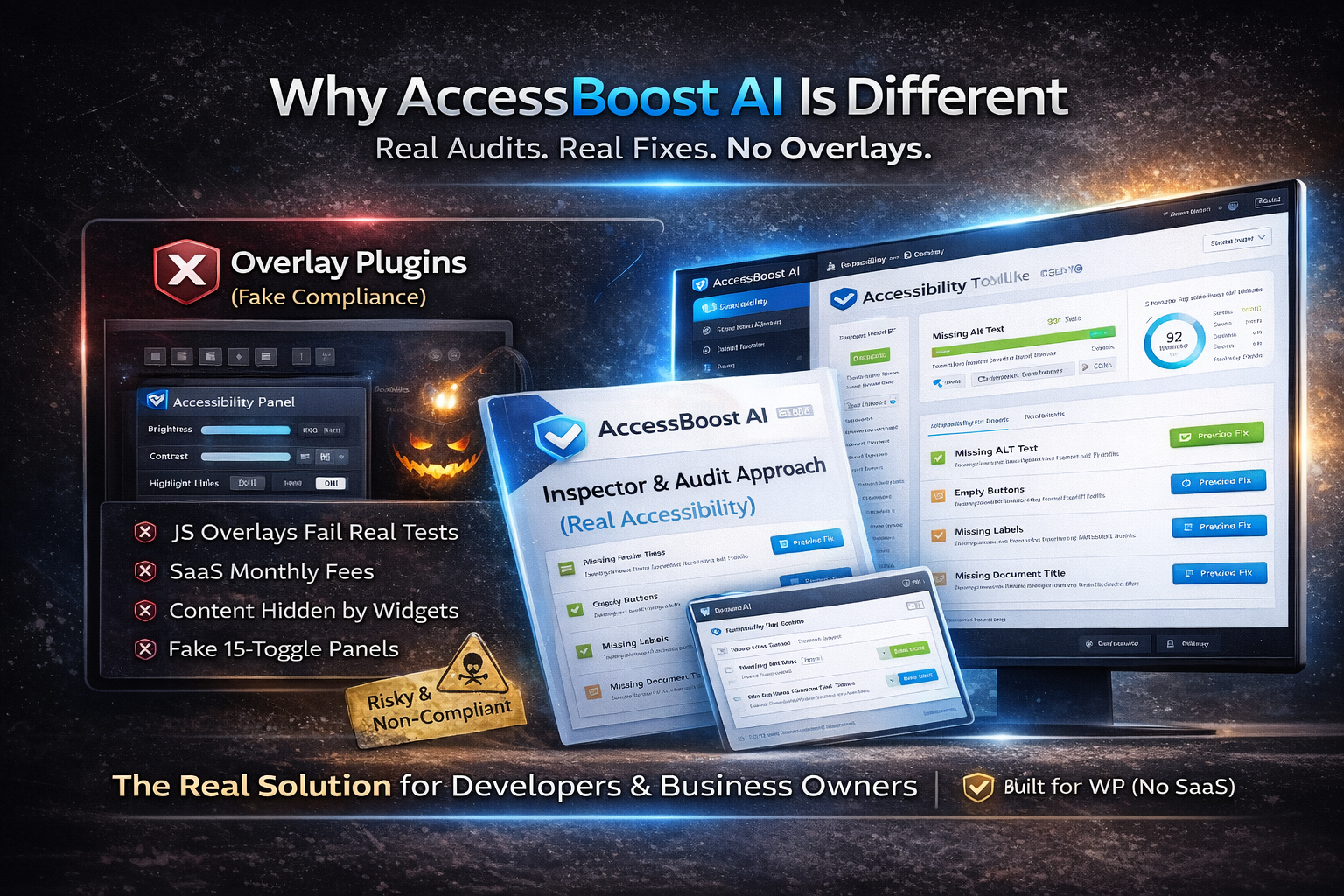
Inspector-Based Approach (Transparent & Maintainable)
AccessBoost AI is designed around an audit + inspector workflow. Instead of relying on “overlay-only” approaches, it focuses on scanning and review so site owners can make responsible improvements. The plugin is built to be WordPress-native, lightweight, and compatible with modern themes and builders.
- Clear issue identification (easy for non-developers)
- Admin-controlled workflows (no unexpected site changes)
- Maintainable improvements that support long-term accessibility work
Important note: AccessBoost AI assists with identifying and improving accessibility issues. It does not guarantee legal compliance. Final compliance depends on content, implementation, and external requirements.
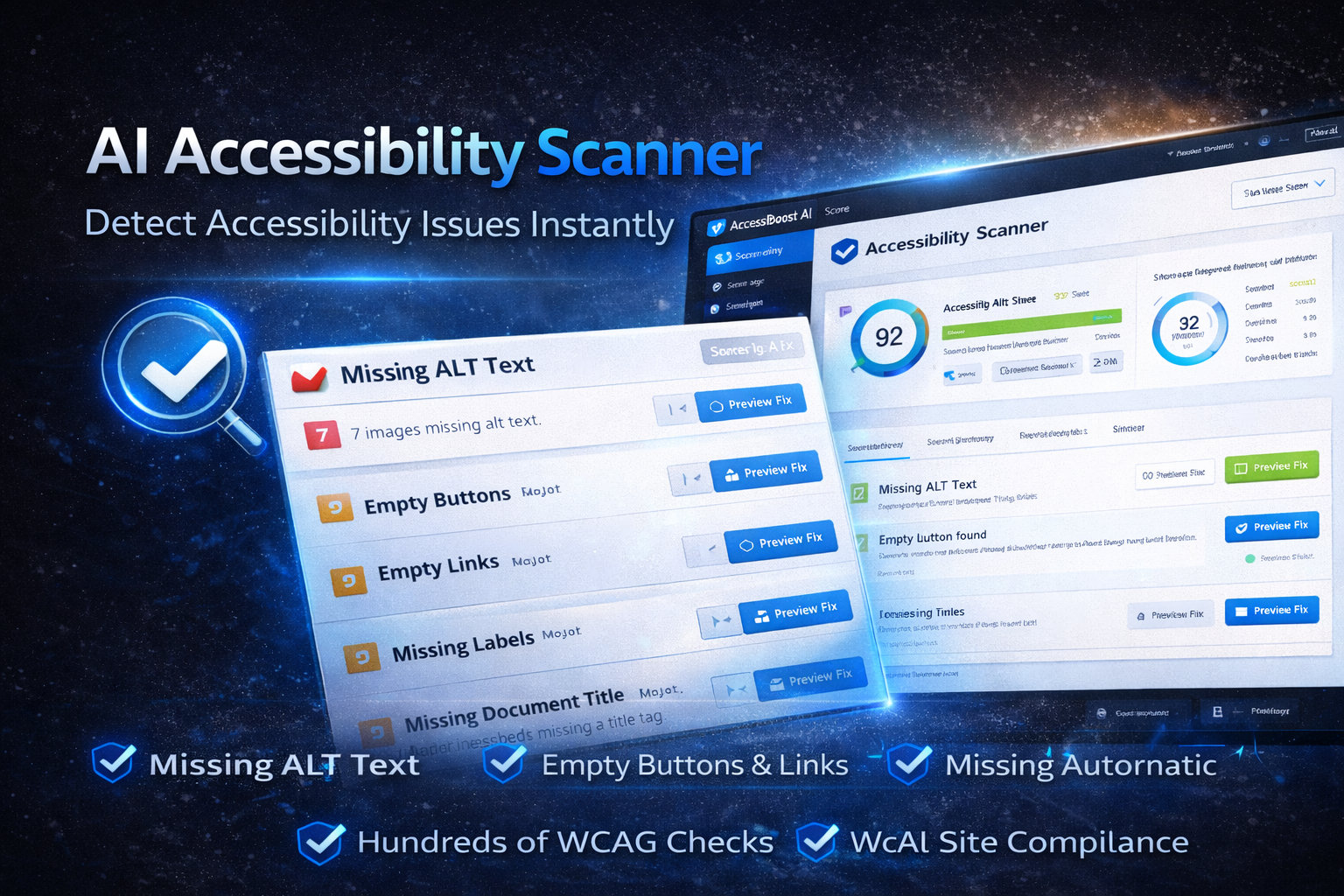
1) AI Accessibility Scanner (Site & Page Audits)
Run structured scans to detect common accessibility patterns and display them as actionable items. Use scans during development, before publishing, or as part of a recurring improvement workflow.
- Missing ALT text / weak ALT patterns
- Empty links / empty buttons
- Missing form labels / placeholder-only inputs
- Missing document title / missing HTML language
- Heading structure checks (H1/H2 order, skipped levels)
- ARIA & semantic attribute patterns
- Contrast warnings & readability signals
- Severity filters (High / Medium / Low)
- “Fixable” filter for quick wins
- Search issues instantly
- Score overview for progress tracking
- Page-level scan and review
- Pre-publish checks on important pages (Home, About, Contact, Checkout)
- Monthly site audits to reduce accessibility regressions
- Agency workflows: scan → fix → document → deliver
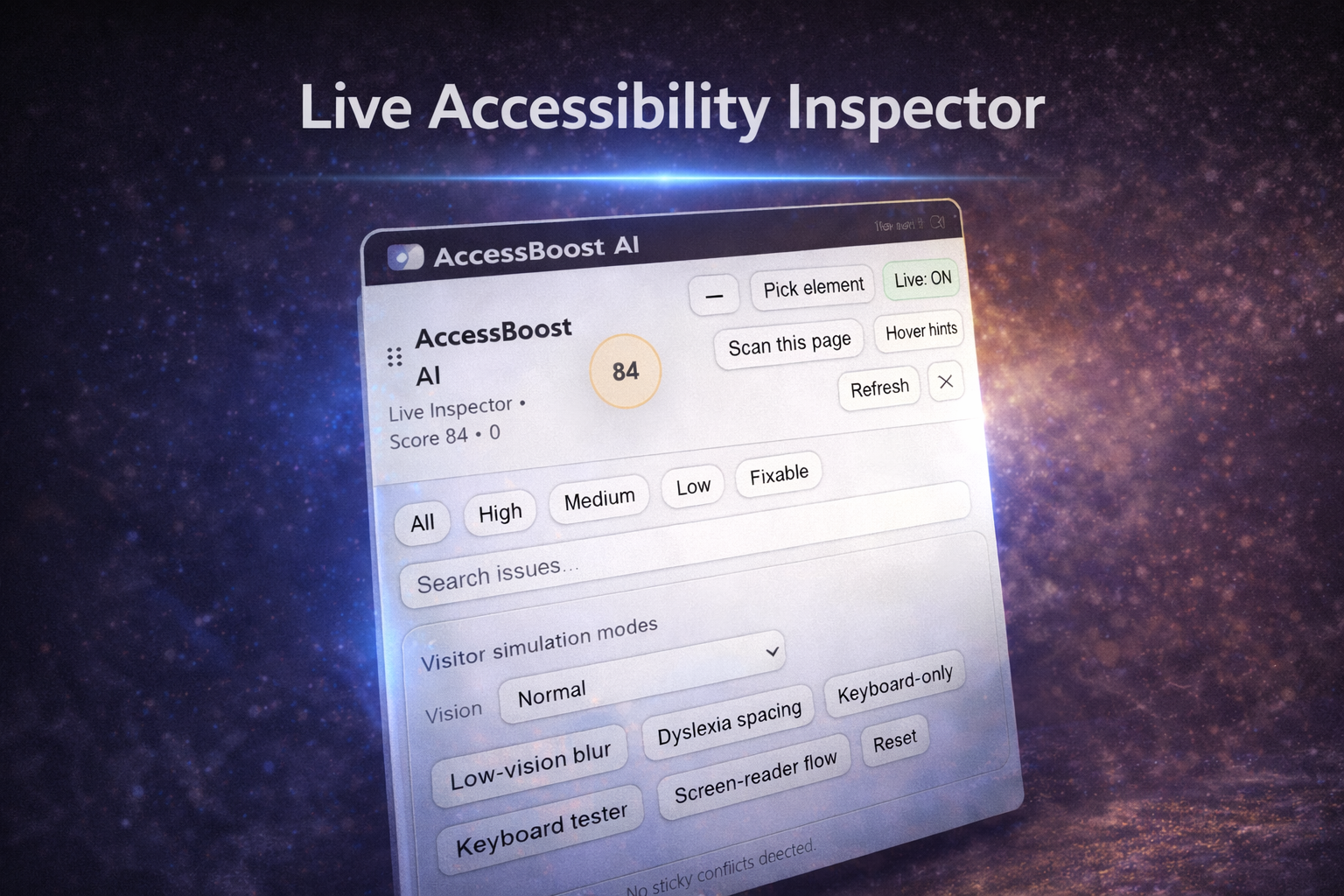
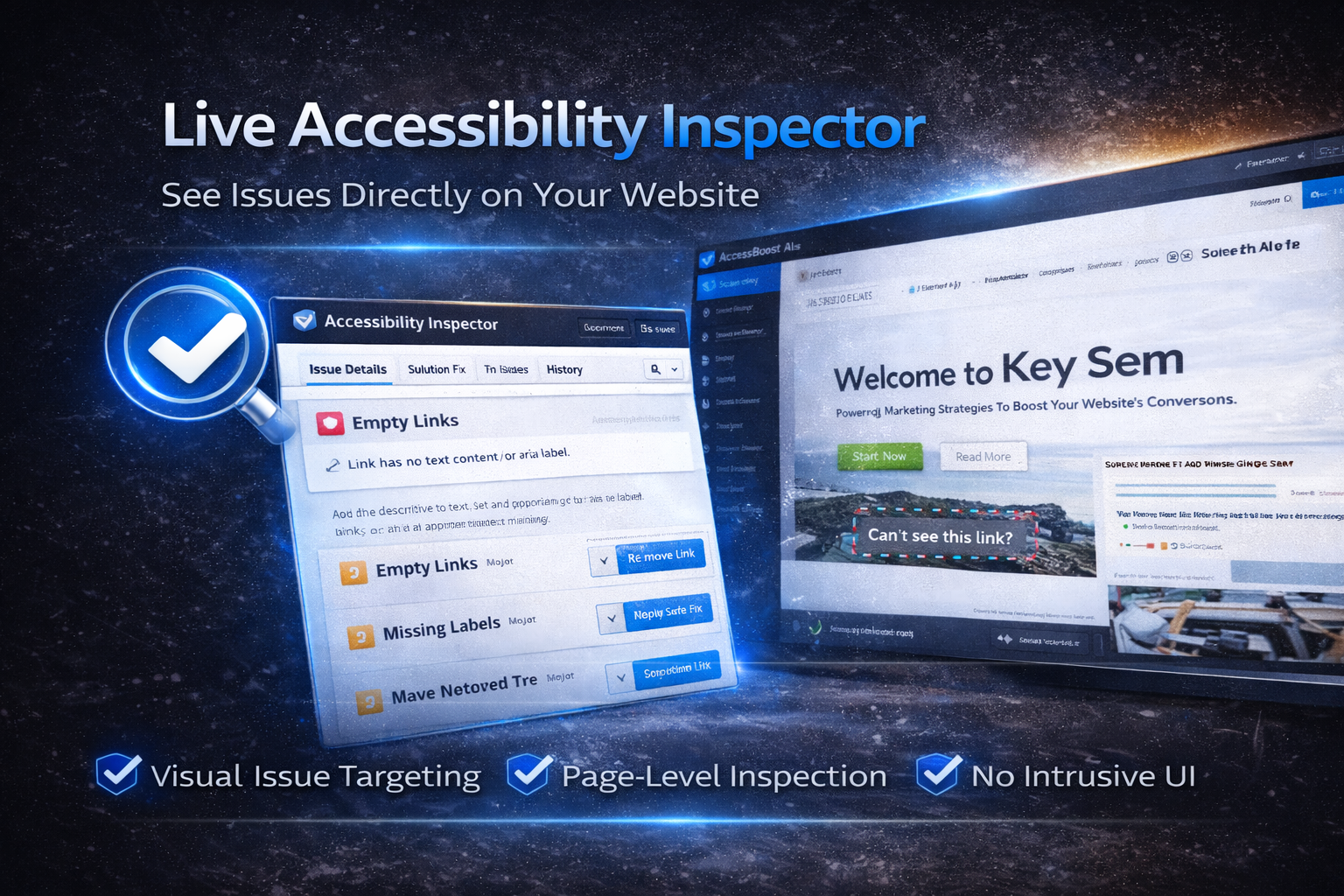
Live Inspector UI (Screenshot)
This screenshot shows the inspector panel used during on-page review (scan, filters, search, simulation modes).
2) Safe Fix Workflow (Controlled Improvements)
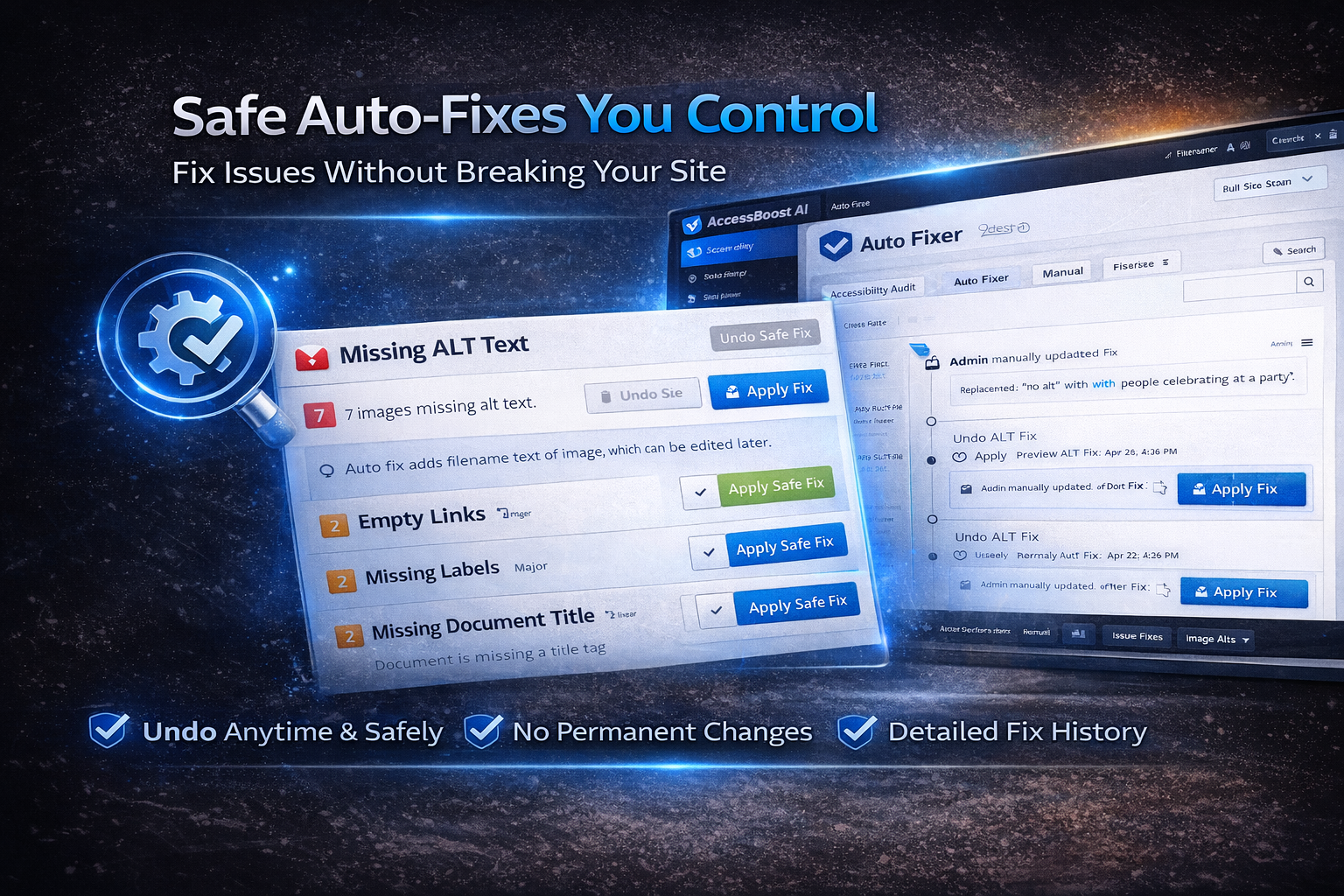
AccessBoost AI includes an optional fix workflow designed to keep changes transparent and admin-controlled. Where fix actions are available, you can preview, apply, and track changes safely.
- Preview-first approach for supported fix items
- One-click apply for safe improvements (where available)
- Undo-friendly workflow and fix history tracking
- Logs & timeline for documentation and audit trail
- Non-destructive design (no silent changes; user-initiated only)
- Reduce manual repetitive fixes
- Keep a clean record of improvements
- Safer workflow for agencies and client sites
Smart Content Optimization (Editor Sidebar)
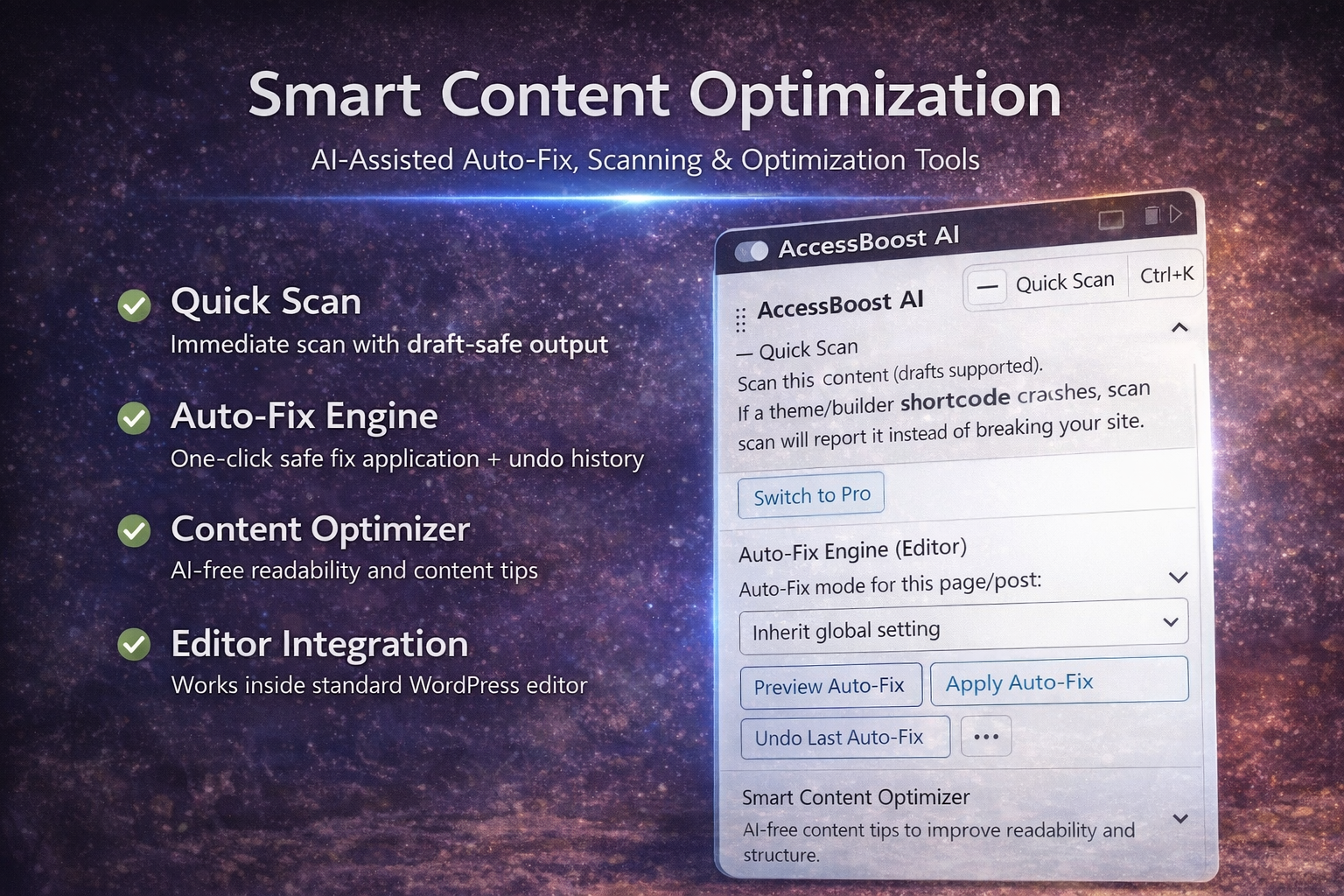
AccessBoost AI includes a built-in Editor Sidebar that lets you scan and improve accessibility-related content directly inside the WordPress editor. This tool is designed for quick checks and safe previews while writing or editing.
What this editor tool does
The Smart Content Optimization panel provides a lightweight, draft-safe scanning layer that helps authors detect common accessibility and readability patterns before publishing.
- Quick Scan — Scan the current post/page (drafts supported) without affecting live content.
- Draft-safe output — If a theme/builder shortcode fails, the scan reports it instead of breaking the editor.
- Auto-Fix Engine (optional) — Preview and apply safe fixes manually, with undo support.
- Smart Content Optimizer — AI-free readability and structure tips for clearer content.
- Editor integration — Works in the WordPress editor without overlays.
- Catch common issues before publishing
- Draft-safe scanning for writers and editors
- Improves clarity and structure in content
- Reduces rework after publishing
Note: This editor feature is a basic supportive scan tool. For full site audits, advanced inspections, and reports, use the dedicated scanner and Live Inspector.
3) Live Accessibility Inspector (On-Page Review)
The Live Inspector is an admin-only review panel that helps you inspect issues directly while browsing your site. It improves clarity by showing issue filters, search, and simulation modes in one place.
- Pick Element — target a specific element for review
- Scan This Page — run checks for the current page instantly
- Hover Hints — quick contextual hints while browsing
- Issue filters — All / High / Medium / Low / Fixable
- Search issues — find issues quickly
- Live score — simple progress indicator during review
- Revenue-safe checks — detects common sticky/layout conflicts
- Keyboard shortcuts — faster inspections for power users
- Spot-check key pages after theme changes
- Inspect issues visually instead of guessing selectors
- Quick review sessions during content updates
Helper Widget UI (Screenshot)
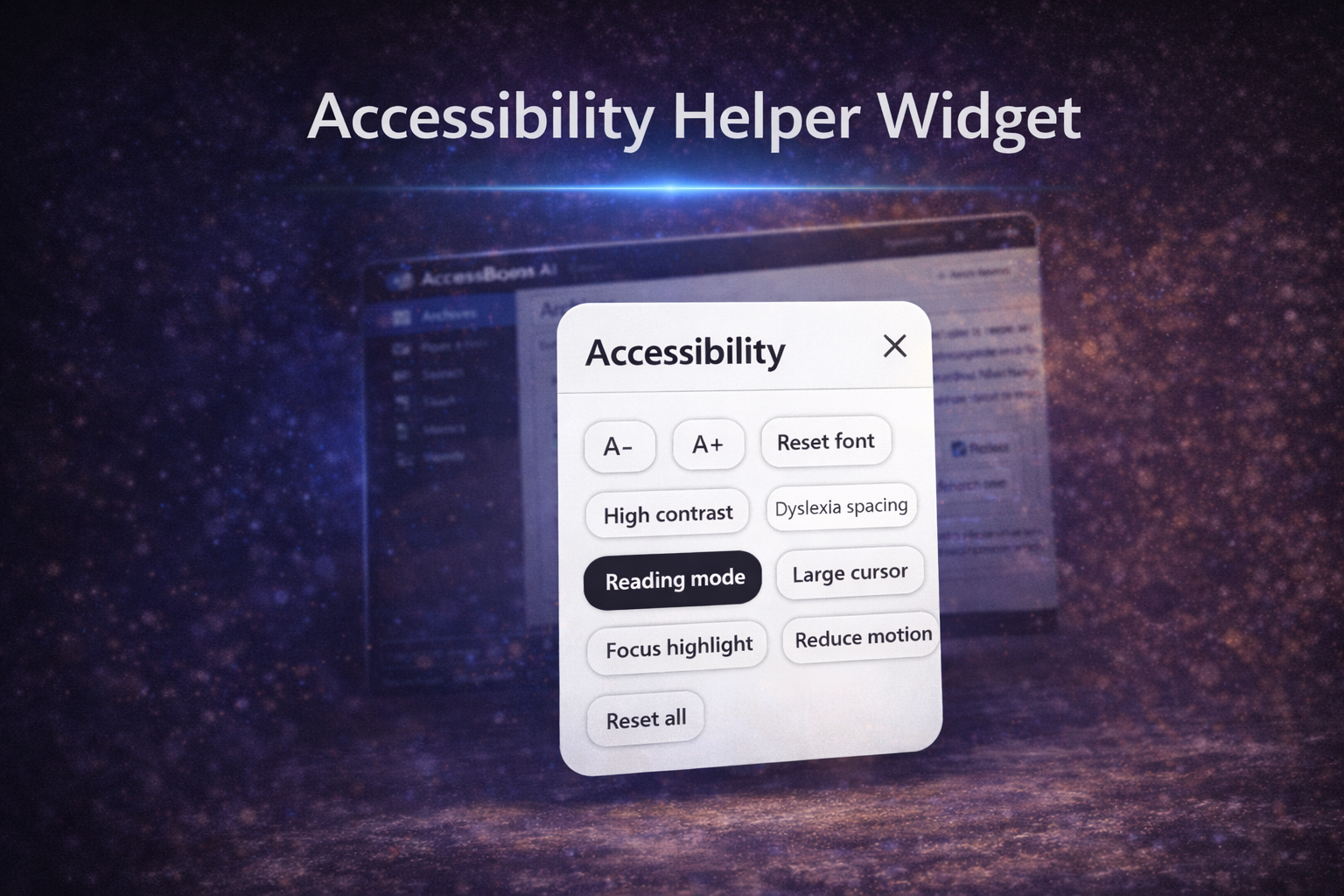
This screenshot shows the optional visitor widget (reading tools like contrast, dyslexia spacing, cursor, focus highlight).
4) Accessibility Helper Widget (Visitor Tools)
AccessBoost AI includes an optional Accessibility Helper Widget that provides visitor-friendly reading tools. The widget is designed to be lightweight, easy to use, and consistent across modern themes.
- A- / A+ font controls + reset
- High contrast mode
- Dyslexia spacing
- Reading mode
- Large cursor
- Focus highlight
- Reduce motion
- Reset all
- Improves readability for a wider audience
- Helps users tailor the reading experience
- Optional and admin-controlled
- Designed to minimize theme conflicts
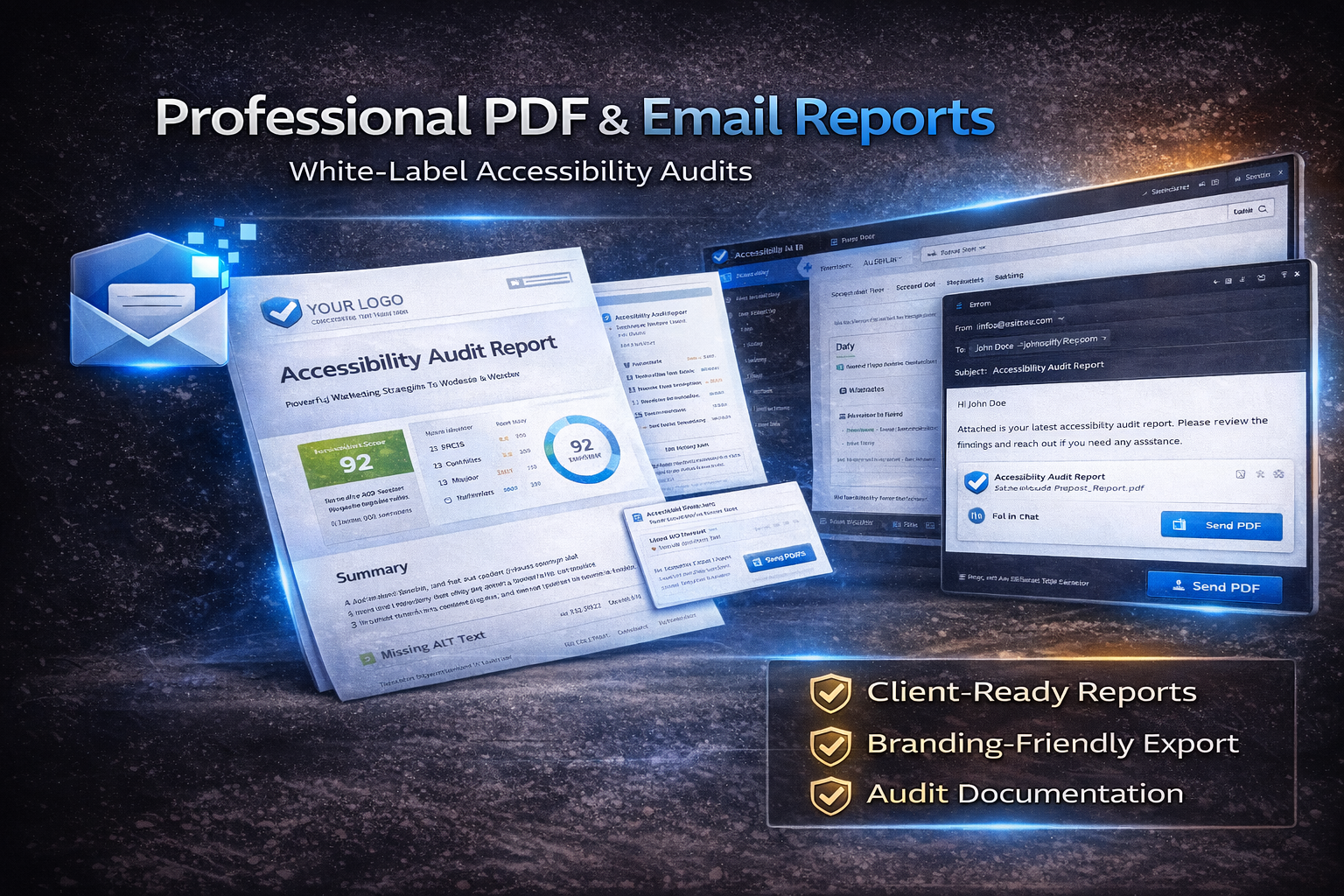
5) PDF & Email Reports (Documentation & Sharing)
Generate reports for documentation, internal review, and client communication. Reports support structured tracking and help keep an audit trail of improvements over time.
- PDF accessibility reports
- Email report delivery
- White-label friendly layout structure
- Summary + issue listing format
- Useful for audits and project documentation
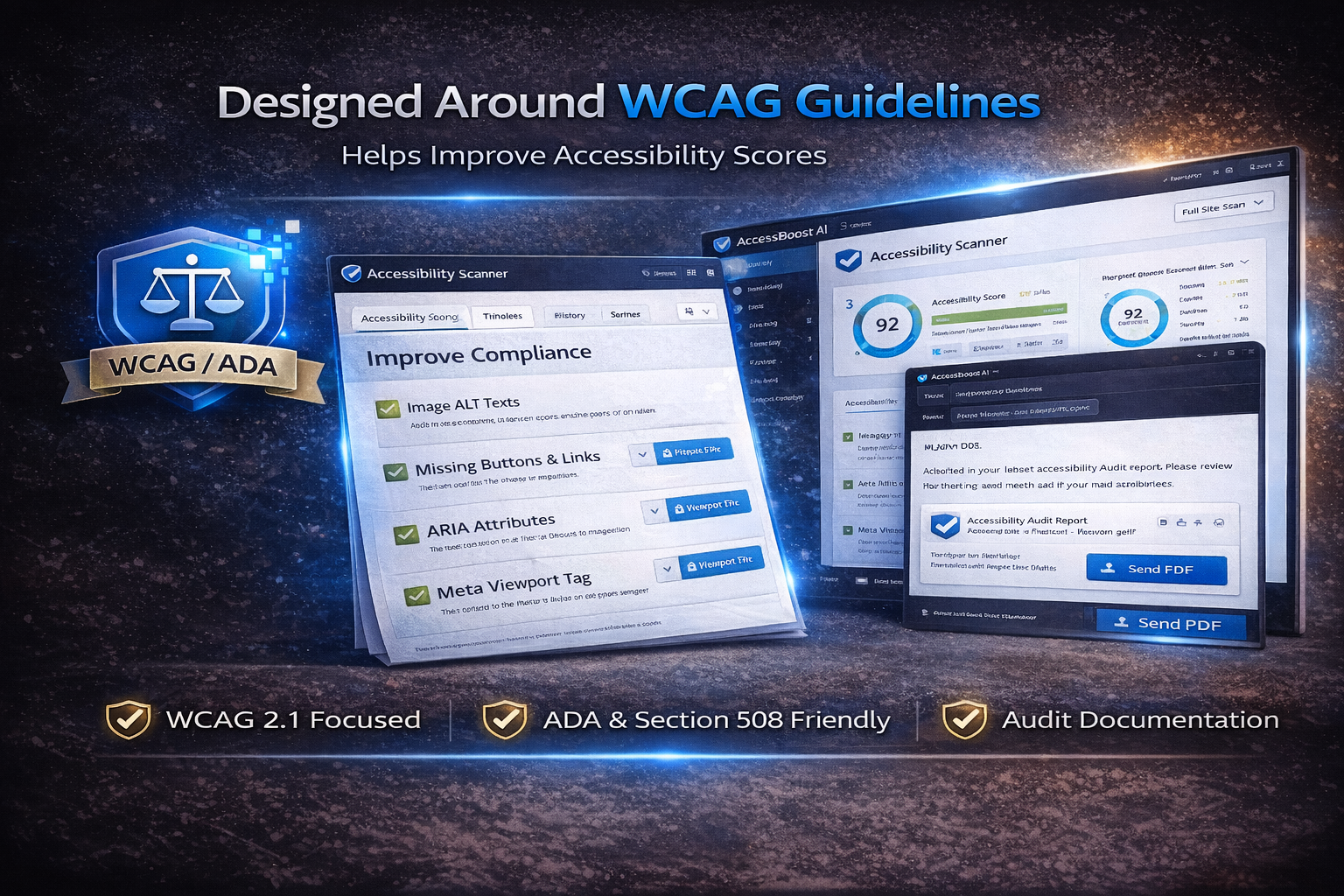
6) WCAG-Focused Auditing (Guideline-Aware)
AccessBoost AI is developed with WCAG concepts in mind and helps you identify and improve common accessibility patterns. Use it to support accessibility improvements and audit preparation.
- WCAG-oriented checks for common accessibility patterns
- Supports ongoing accessibility improvement workflow
- Audit-friendly documentation via reports and logs
Reviewer note: This plugin assists with improvements and auditing. It does not guarantee compliance.
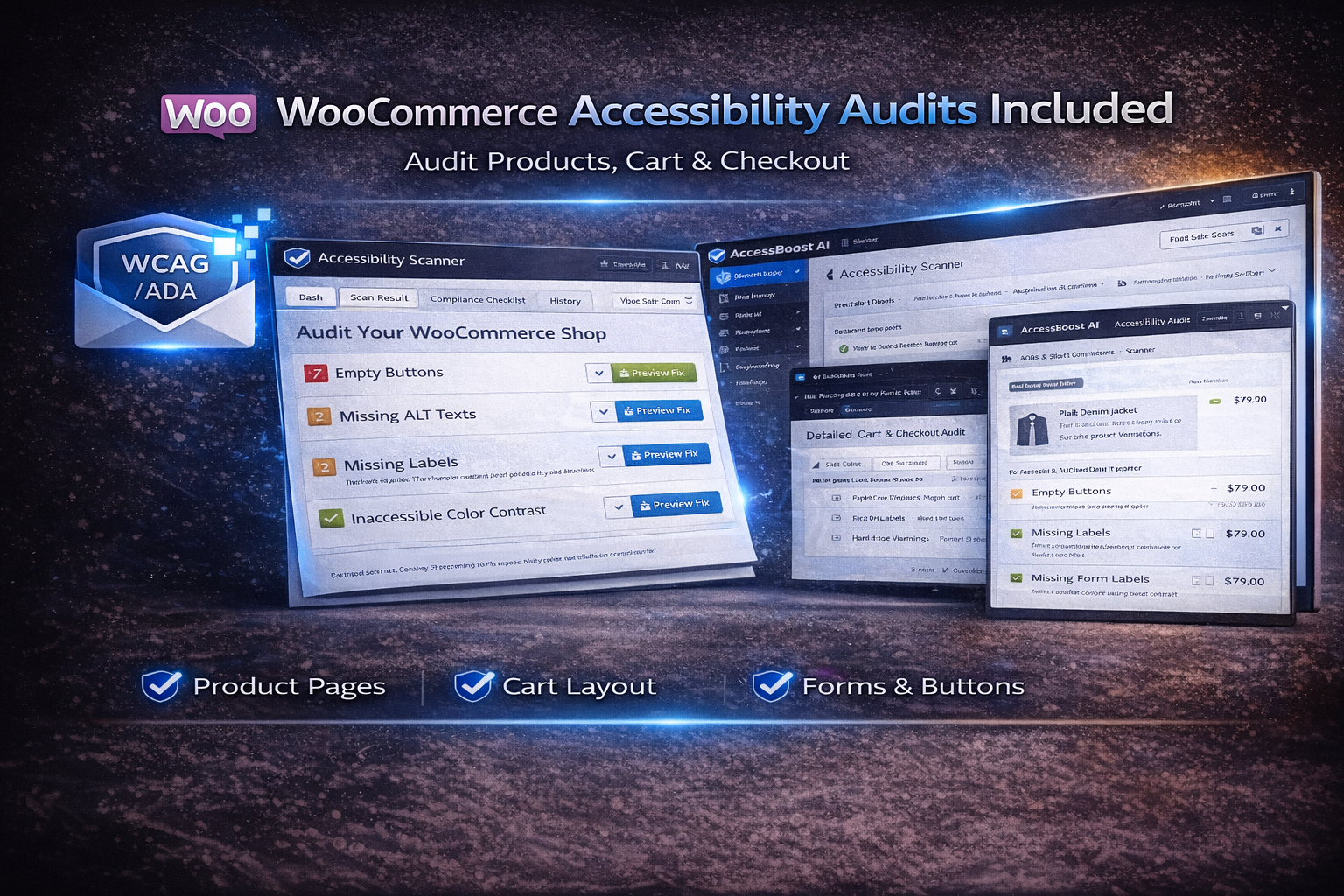
7) WooCommerce Audits Included
Audit accessibility patterns across key WooCommerce experiences such as product pages, cart, and checkout. Designed to support store usability while keeping the workflow transparent and manageable.
- Product page audits (images, buttons, structure)
- Cart and checkout usability checks
- Forms, labels, and interactive element checks
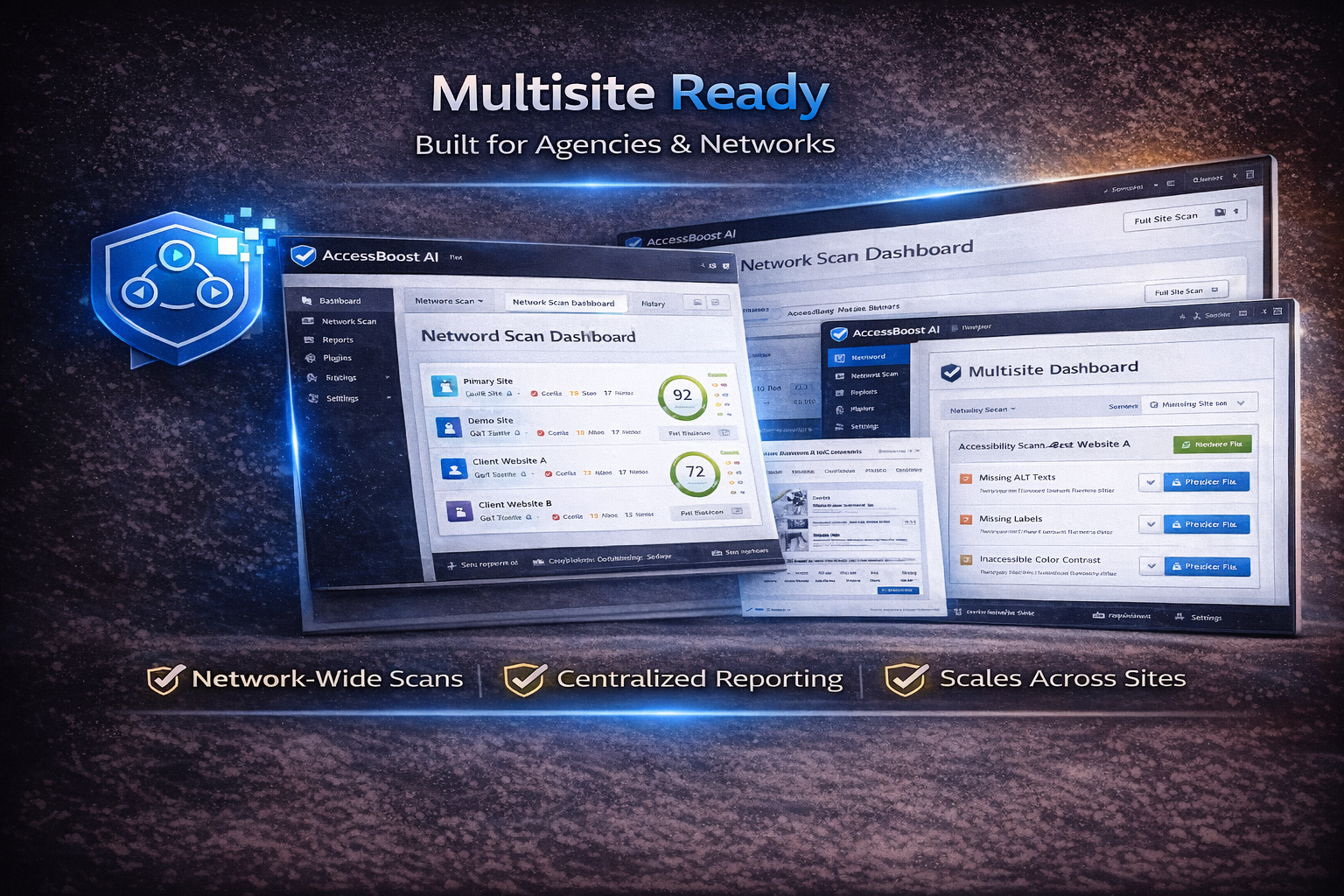
8) WordPress Multisite Support
AccessBoost AI supports WordPress Multisite environments and is suitable for agencies and networks managing multiple sites.
- Network-level scanning workflows
- Per-site visibility and tracking
- Centralized reporting approach
- Scales across many sites
Full Feature Summary
- AI-assisted accessibility scanner
- Page-level and site-level scanning
- Issue severity filters + “Fixable” filter
- Search issues and review details
- Live on-page Inspector workflow
- Visitor simulation modes
- Smart Content Optimization (Editor Sidebar)
- Safe fix workflow (user-initiated)
- Undo-friendly history tracking
- Timeline / audit trail support
- PDF audit reports
- Email reporting
- WooCommerce audits
- Multisite support
- Font controls (A-, A+) + reset
- High contrast mode
- Dyslexia spacing
- Reading mode
- Large cursor
- Focus highlight
- Reduce motion
- Reset all controls
Compatibility
- WordPress: Compatible with modern WordPress versions and standard setups
- Themes: Designed to work with all themes that follow WordPress standards
- Page Builders: Works with Gutenberg and popular builders (e.g., Elementor)
- WooCommerce: Supported
- Multisite: Supported
Browser Support
- Chrome
- Firefox
- Safari
- Edge
- Modern mobile browsers
Performance & Safety Notes
- Lightweight UI designed to reduce theme conflicts
- Admin-only inspection tools (visitors do not see inspector unless enabled)
- Actions protected with capability checks and secure requests
- Compatible with caching/performance plugins in standard configurations
What This Plugin Does NOT Do
- It does NOT guarantee legal compliance.
AccessBoost AI helps identify and improve accessibility issues but cannot guarantee compliance with laws or regulations. - It is NOT a legal or certification service.
The plugin does not provide legal advice or official accessibility certification. - It does NOT automatically change your site without consent.
All fixes are user-initiated and controlled by the site administrator. - It is NOT a JavaScript overlay that hides issues.
AccessBoost AI focuses on inspection and improvement rather than masking problems. - It does NOT replace professional audits.
For complex or regulated environments, professional accessibility audits may still be required.
Frequently Asked Questions
Does this plugin guarantee WCAG or ADA compliance?
No. AccessBoost AI helps identify and improve accessibility issues but does not guarantee compliance. Final compliance depends on content, implementation, and external requirements.
Does this plugin use an accessibility overlay?
No. AccessBoost AI uses an inspector-based approach and does not rely on frontend overlays.
Will this plugin modify my site automatically?
No. Fixes are applied only when initiated by the site administrator, with full control and history tracking.
Is this plugin compatible with my theme or page builder?
Yes. AccessBoost AI is designed to work with standard WordPress themes and popular page builders such as Gutenberg and Elementor.
Is WooCommerce supported?
Yes. The plugin includes accessibility auditing features for WooCommerce product pages, cart, and checkout flows.
Tip for buyers: For best results, use AccessBoost AI as part of an ongoing workflow: scan → review → apply safe fixes → re-scan → export documentation.

Recent Comments